
Snapchat Clone Masterclass With Flutter | Guided Project
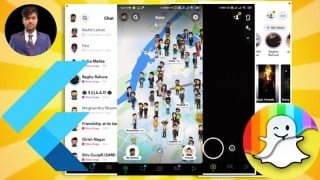

Learn UI development with Flutter and create a Snapchat UI clone. This comprehensive course covers advanced architecture and screen implementation. Perfect for beginners and intermediates looking to enhance their CV. Start building UIs for various apps from scratch.
What you’ll learn
- Flutter
- Dart
- UI development
- Snapchat UI re-design
Google’s interface (UI) design tool, Flutter, has brought with it a raft of new perspectives with regards to application development. The Flutter toolkit has opened a gateway to allow for a multitude of UI/UX and, by using its own source code, evading platform limitations. All good so far!
Talking about this course, this course will help you learn the different components which are involved in making a UI and we will be working on Snapchat UI and will work on creating a Snapchat UI clone with Flutter. In this app, I have used the advanced flutter architecture to work on the Snapchat UI and implement various different things in it. If you are unaware of the advanced file architecture in flutter then you can check my course Flutter 101, where I have explained various available flutter architectures.
In this course, you will learn everything in detail. After completing this course you will be able to work on UI’s for various different apps and can develop them all by yourself from scratch. We will start by working on the bottom navigation bar which is there in the Snapchat app and after that, we will work on implementing the different screens which load when we select the respective option from the bottom navbar.
This UI app/project will also help you enhance your CV.
Who this course is for:
- Begineer
- Intermediate
User Reviews
Be the first to review “Snapchat Clone Masterclass With Flutter | Guided Project”
You must be logged in to post a review.




There are no reviews yet.