
Free Tutorial – Launch loops with these pads
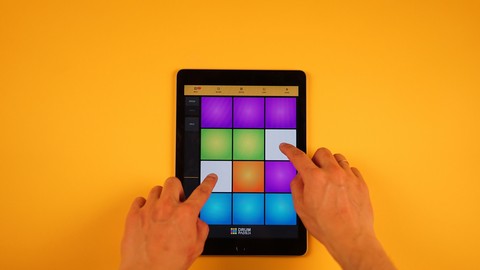

In this course we will be looking at using the Novation LaunchPad Mini MKIII. The first focus will be on the software that accompanies this hardware which is called Ampify studio. We will go into practicing how to
Play and stop different loops such as:
Drum loops
Bassline loops
Melodic Loops
FX loops
Stop/Solo/Mute feature
How to play the entire selection at the push of a button.
How to launch the effects on the pad to do Beat Repeat, & Low and High Pass Filter
How to apply the Latch Feature
How to play certain sections and stop them as well.
Using the Components app to customize and map to the MPC Software and be able to use it to play the 16 pads in the MPC software:
Adding the drum grid to the custom
See the default settings of the notes in MPC
Adding a custom mapping for record, play, overdub and stop on the launchpad.
Using the Novation LaunchPad with the Ableton 12 software to
Load and launch loops, solo, mute and stop feature
Playing a drum kit and replacing sounds on the drum kits and locking them as well
Use the arrows to navigate the session view
OverDub feature as well
Laughing a scene
Start recording your midi notes with the touch of a button
Playing a virtual instrument with the LaunchPad
Recording the midi instrument notes that you play with the launch pad as well
Who this course is for:
- Anyone who wants an easy way to jump into the hobby of creating music
User Reviews
Be the first to review “Free Tutorial – Launch loops with these pads”
You must be logged in to post a review.



There are no reviews yet.