
Free Tutorial – Using Akai’s APC64 Hardware Controller with Ableton Live 12
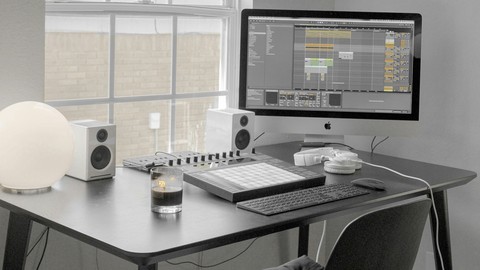

In this course I will be sharing what I have learned about using the APC 64 hardware tool as well as a brief introduction to using Novation’s LaunchKey Mini and LaunchPad Mini MK3 with the Ableton Live Intro 12 software to showcase how you can:
APC 64
quickly organize your music production journey to load, play, experiment and choose loops and record them into the track and have the sounds loop while you add on to it.
choose and load guitar loops
load drum loops
Load and add vocal sound clips
Add string loops
Use the APC 64’s note mode to play a Midi Instrument.
Use the launch feature to play multiple loops at the same time
Use the volume sliders of the APC 64
Play drum kits using the APC 64 and easily change the sounds on the pads as well.
LAUNCHKEY Mini
Play on the keys
Use the capture mini feature
LaunchPad Mini MK3
Play a Drum Kit
Play clips using the Session Mode
To conclude, this course is for someone who has a collection of downloaded loops that they really love but has just been collecting dust. You might also be feeling overwhelmed with all the loops that you have collected. In this course, my intention is to provide you with a systematic way to explore and put those guitar, bass, string, drum and vocal loops into use and create nice background music for your content.
Who this course is for:
- Anyone who is interested in using Ableton to combine and play their collected audio loops
User Reviews
Be the first to review “Free Tutorial – Using Akai’s APC64 Hardware Controller with Ableton Live 12”
You must be logged in to post a review.





There are no reviews yet.