
Free KiCad Tutorial – What is KiCad about? Starting with KiCad …
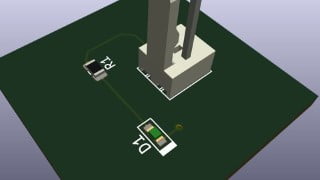

Learn how to use KiCad, a popular free CAD software for schematic drawing and PCB layout. This course covers everything from creating schematics to generating manufacturing documents. Perfect for beginners and those looking to work with KiCad.
KiCad is a very popular free CAD software to draw schematic and do PCB Layout. This course will help you to learn more about KiCad.
You will learn how to
Draw schematic
Create schematic symbol and footprint
Route a simple PCB
Generate documents to manufacture PCB
Goal of this course
The main goal of this course is to go through a board design process (Schematic + Libraries + PCB + Outputs) to demonstrate and practice all the essential KiCad features which can be then used to create more complex boards.
Who this course is for:
- This course is for everyone who would like to start designing boards or start working with KiCad.
User Reviews
Be the first to review “Free KiCad Tutorial – What is KiCad about? Starting with KiCad …”
You must be logged in to post a review.



There are no reviews yet.