
Free Tutorial – Making Music 6: Dj Serato, MPC & A.I. for Custom Adlibs!
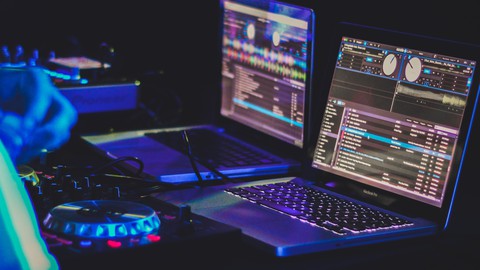

Making Music 6
Making Music 6: From music production to DJ skills
Are you interested in music production and sharing your music with others? Well, if you have invested in getting the MPC Software, and a DJ controller such as the Numark DJ2GO controller and are looking for a quick introduction to the basics then this is what the intention is of this video course.
The aim of this course will be to help you to use the Numark Dj2Go controller to use the Dj Serato Lite software so you can do the following:
1. listen to the music you created with Dj Serato Lite and the Numark Dj2Go midi controller
2. Using the crossfade feature
3. Using the cue feature
4. Loading tracks to each deck
5. Scratching feature
6. Troubleshooting if there is no sound
7. Making playlists (Crates)
8. The autoplay feature
9. The Stems feature to separate the vocals, drums, melodies and guitars
I will also share how you can use the MPC software and create custom adlibs with A.I. technology. In addition, I will go through how to map your midi DJ controller to the functions in MPC and also how to use your streamdeck hardware as a midi controller to play the MPC Drum Kit pads in the software
Students will be able to ….
use serato dj to…
listen to your music
crossfade
cue and cue points
load on to each deck
troubleshooting – sound- plug in headphones
make crates
autoplay
Course photo image credits:
Photo by Feliphe Schiarolli on Unsplash
Who this course is for:
- someone that is interested in learning about the DJ Serato Lite software and basic MPC software tips
User Reviews
Be the first to review “Free Tutorial – Making Music 6: Dj Serato, MPC & A.I. for Custom Adlibs!”
You must be logged in to post a review.



There are no reviews yet.