
Free Tutorial – Making Music 8 Creating Beats with The MPC Live 2
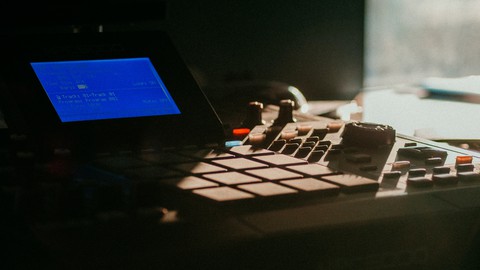

In this course I will be using the MPC Live 2 and showcasing its ability to create multiple sequences and export them in song mode. I will be thinking aloud as I go through one way of beat making. I will start by showing how to turn on the MPC, then loading an empty project. Starting with sequence one I will start with the process of browsing and finding a sample to work with. I will show you how to rename the sequence and add multiple sequences. Then, I will show how I start sequence two with the same sample and then add in one combination of drums. Next, I will show how to do a third sequence and add a different combination of drums as well as adding in new sounds like an 808 and assigning it to the pads. Last, I will show you how to do a sequence with just the drums alone and then go into song mode, insert the different sequences, loop them and change the sequence and then export them in the different file formats such as wav, Flac or mpc. At the end of this course my hope is that you will have the confidence to export your 4 bar beat into an mp3 file.
Who this course is for:
- Beat making beginners
User Reviews
Be the first to review “Free Tutorial – Making Music 8 Creating Beats with The MPC Live 2”
You must be logged in to post a review.




There are no reviews yet.