
Free Tutorial – Using Ableton Live to create a Books And Beats Club
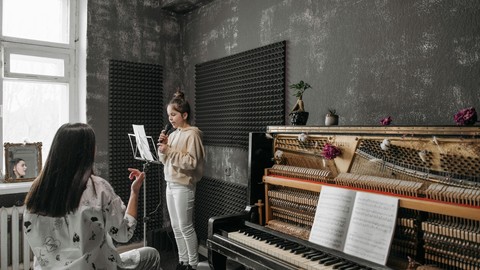

If you have a passion for helping children develop a culture of reading this course will help you to create your own books and beats club.
We will be looking into how to have students and children first read into a software program called Ableton Live and then I will go into adding royalty free loops to the audio recording.
We will go into how to use Novation’s Launchpad to have the students be able to record their voice reading a book and load it into each pad and then click the pad to hear the audio recorded on to each pad.
We will be looking at how to record the different pages using the launch pad buttons and how to stop the recording. In addition, I will share how to add in drums and melodies as background music. I will show both session and arrangement views so you can see the benefits of each mode. Further, I will show how to adjust the volume of the sounds as well as fading in and out and exporting the audio. Also we will briefly look at how to use iMovie to attach a book cover with the audio so that the creation can be easily shared with the students and their parents. You can also have this whole setup as a centre for studios to hopefully use independently to listen to books recorded by their teacher or peers.
Who this course is for:
- Parents and teachers who would like to create a culture where reading is combined with music to make it fun and exciting to read
User Reviews
Be the first to review “Free Tutorial – Using Ableton Live to create a Books And Beats Club”
You must be logged in to post a review.




There are no reviews yet.