
Texturing in ZBrush (Photo projection)
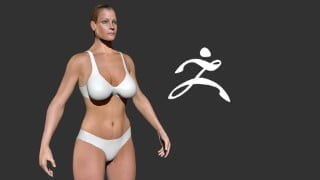

Learn how to texture a female character in ZBrush using ZAppLink and Photoshop. This step-by-step tutorial teaches you photo projection techniques to create realistic textures. Perfect for beginner to advanced ZBrush students.
What you’ll learn
- Texturing in ZBrush
- ZAppLink
- Photoshop Texturing Techniques
- Polypainting
Texturing C5 (Photo Projection) – ZBrush Tutorial
[4hr 45min] Some Additional Project Files Needed
This a step-by-step tutorial about how to texture a Female character in ZBrush using ZAppLink in conjunction with Photoshop. This course is designed to teach you how to take photographs and project them onto a 3D model and seamlessly blend them together to create a convincing photo-real texture. You will take several photos and project them from different angles to cover your entire character. You will be provided an untextured ZBrush character that is ready for textures and link to site where you can purchase your own photos to follow along.
Files:
30 videos (mp4)
ZBrush character
Additional Files Needed:
High Resolution Photos (link provided for purchasing options)
Software:
ZBrush 2020
Photoshop
This is part of the Creating Female Character Series:
The series is designed to show the workflow from Modeling to Animation but any part can be viewed as a stand alone lesson. You will be provided the proper starting file (Character only) to follow along.
Who this course is for:
- Beginner to Advanced ZBrush Students
User Reviews
Be the first to review “Texturing in ZBrush (Photo projection)”
You must be logged in to post a review.





There are no reviews yet.