
Creative Editing for Music Videos in Premiere Pro
|
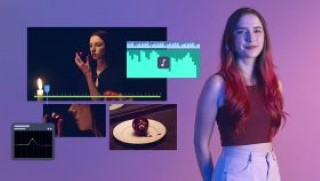
Learn how to complement a musician’s identity and reflect the music in your editing style through polished edits full of rhythm and narrative in Premiere Pro
“Always leave the audience wanting more. Music edits should be sharp and clean, with no extra fat.”
Camille Getz is a professional video editor who has worked with clients including HBO, Wendy’s, Vanity Fair and GQ. She specializes in music, and has edited the videos for artists such as KIDZ BOP Kids and Justin Bieber.
Meet Camille. Learn about her life and career, from uploading videos of herself on Youtube and studying film and television production at New York University, to editing a Justin Bieber music video. Camille shares her biggest influences, from the wacky world of memes to the movie Whiplash.
Jump into the early stages of your final project. Discuss the narrative structure of the piece by reviewing pitch decks and storyboards provided by Camille. Get to know the song you’ll be editing the video for, and research reference materials to experiment with during the editing process.
Lay the groundwork for the music video. Organize your workflow, import all your materials, and sync your footage to the music performance using multicam sequences.
Edit your music video. Choose the best footage to include in the final product, and explore different cutting techniques, and transitional elements to keep your video visually interesting.
User Reviews
Be the first to review “Creative Editing for Music Videos in Premiere Pro”
You must be logged in to post a review.





There are no reviews yet.