
Free SketchUp Tutorial – Learn the Basics of Sketchup for Beginners
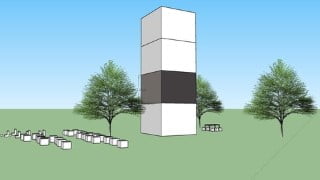

Learn the basics of Sketchup from beginner level modeling, texturing, grouping, and creating scenes. Perfect for those migrating from other 3D architectural design software or wanting to learn 3D architectural designing. Download and install Sketchup, customize the interface, and create presentation layouts.
In this course you will learn how to start using Sketchup, customise the interface as required, start using the tools and techniques in SketchUp and do the basic modelling, texturing, grouping, giving dimensions, making presentation layouts, setting scenes and cameras etc..
You will learn from where you can download and install Sketchup
Customise the interface to suite your requirements by arranging and activating various toolsets required.
Learn how to move to Navigate in Sketchup and move rotate and scale objects in SketchUp
Learn how to create a basic model in Sketchup and Create groups and Components which helps us to organise the scenes
Learn how Create Scene setup and know to do camera settings to take Various Out from Sketchup using the Default Method
Learn How to Create Presentation Layouts using the various outputs created in Sketchup and designing the layout using Sketchup Layout
Who this course is for:
- People who want to learn the basics of Sketchup from beginner level Modeling, Texturing, Grouping, Making Scenes, Making Presentation Layout, Giving Dimensions
- People who want to migrate from other 3D architectural designing software like 3ds max to Sketchup
- People Who want to learn 3D architectural designing
User Reviews
Be the first to review “Free SketchUp Tutorial – Learn the Basics of Sketchup for Beginners”
You must be logged in to post a review.





There are no reviews yet.