
How to create and get started with canva
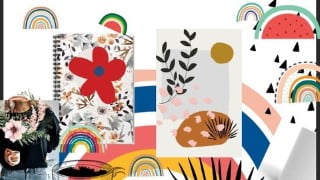

Learn how to set up an account with Canva, start a project, and utilize its design tools. This beginner class is perfect for bloggers, small business owners, and graphic designers seeking a simpler tool. No requirements needed, just a decent internet connection. Create stunning designs for any niche or topic, from recipes to finance. Discover step-by-step instructions on creating logos, social media graphics, posters, and business cards. Canva is a free online tool, eliminating the need for video editing software. Perfect for anyone looking to enhance their design skills.
What you’ll learn
- How to set up an account with Canva.
- How to start a project.
- What design tools Canva offers, where they are, and how to use them.
- How to use Canva will focus mainly on the following;
This class is the first in a series of classes that will help students learn how to create beautiful designs for themselves using Canva.
It’s a purely beginner class geared mainly towards bloggers and small business owners. However, professional graphic designers who are looking for a simpler tool to use for smaller projects will also benefit from this class.
There are no requirements for this class other than a decent internet connection. It’s a purely beginner class geared mainly towards bloggers and small business owners. However, professional graphic designers who are looking for a simpler tool to use for smaller projects will also benefit from this class. No matter what your niche or topic, you will discover how to make an intro for any subject, whether you vlog about recipes, fashion, technology or finance. This class will walk you though a logo and branding project. We will create a social media graphic, a poster and finally a business card. You will learn all the basic elements
step-by-step on how to create a video in Canva. Canva is a free online tool so you won’t have to pay for or download any video editing software, when I find easy ways to do something
Who this course is for:
- Anyone
User Reviews
Be the first to review “How to create and get started with canva”
You must be logged in to post a review.




There are no reviews yet.