
Microsoft Excel From Basics
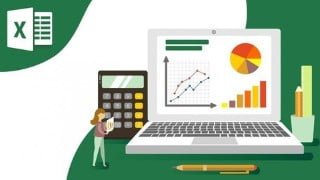

Learn the most common Excel functions used in the Office. This Excel training course covers everything from basic data entry to advanced formulas and formatting. Perfect for working professionals and students looking to enhance their Excel skills. Get a Verifiable Certificate of Completion upon completion.
What you’ll learn
- Learn the most common Excel functions used in the Office
- Maintain large sets of Excel data in a list or table
- Unlocking dynamic formulas with VLOOKUP functions and many more
- Build a solid understanding on the Basics of Microsoft Excel
- Create dynamic reports by mastering one of the most popular tools, PivotTables
A Verifiable Certificate of Completion is presented to all students who undertake this Excel Training course.
In this Microsoft Excel training course, expert training provider takes you through the basics of the worlds most popular spreadsheet software. Excel can be a complex and confusing program to use, but this course breaks it down into bite-sized pieces and teaches it in plain English. No prior experience in Excel or spreadsheets is required to get the most out of this Excel training.
You will start with the absolute basics, creating and saving a new workbook. The course proceeds step by step through the process of entering data in cells, doing basic math, formatting your worksheets, setting up pages for printing and applying basic mathematical formulas. Once you are comfortable with the basics, you will move on to more advance formatting with themes, using Excel provided templates, adding graphics and charts, and using Excel as a database. You finish off with advanced formulas, and applying conditional formatting to your worksheet.
By the time you have completed this video training course for Microsoft Excel, you will be comfortable with day to day operations that you would perform in this software program. You will be able to perform calculations, and create professional graphs and charts from your data. Working files are included to allow you to follow along using the same source material that the author uses throughout the lessons in this computer based training Course.
Who this course is for:
- If your looking to take your Excel skills from beginner to advanced level and beyond, then this course is for you.
- Working Professionals
- Students
User Reviews
Be the first to review “Microsoft Excel From Basics”
You must be logged in to post a review.




There are no reviews yet.