
Procreate: Creative Illustration Techniques
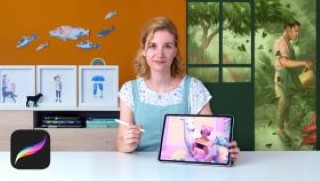
|
Learn to use the tools of the app and an iPad to bring your illustrations to life
For illustrators, connecting with their audience through their work is essential, especially in the publishing industry. With her illustrations, Vero Navarro tries to add a twist to the mysterious or the unknown. Maybe that’s why so many publishers want to work with her; Penguin Random House, Grijalbo, Alfaguara, Montena, RBA, Triskel, and Green Bean Books are just some of the ones she has collaborated with.
In this course, Vero teaches you the keys to digital illustration with Procreate. Learn the creative process, from the initial idea to the deliverable file, and discover how to use the app’s tools, by experimenting and, above all, having fun while you work on creating a complete creative illustration. To top it off, learn how to bring it to life with Procreate’s animation assistant.
Meet Vero Navarro, who tells you about her career in illustration and shows you her favorite artists.
She then introduces you to Procreate, reviewing its most common tools and actions, and gives you the basics of composition and color.
Learn techniques to awaken your creativity and come up with a concept for your project. See the importance of having good reference images and how to work with them on Procreate.
Then, start working on your final project! First, work on the layout of the elements and the linework using the drawing, selection, transformation tools. Discover how to use the app’s brushes and how to create or modify your own. Then, move on to applying the color and learn how to make the right creative decisions.
User Reviews
Be the first to review “Procreate: Creative Illustration Techniques”
You must be logged in to post a review.





There are no reviews yet.