
Power BI Course Tutorial for Beginners
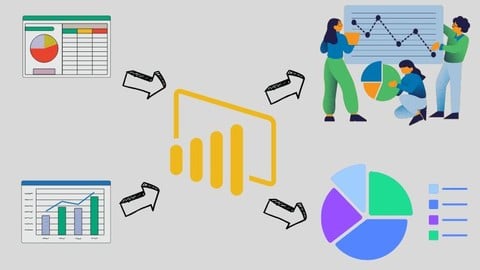

What you’ll learn
- Introduction to Power BI
- Core Concepts and Features
- Data Import and Transformation
- Data Modeling
- Advanced DAX Functions
- Practical Projects
- Power Query Editor and its use
- Creating Dashboards on Different Datasets
Power BI Tutorial for Beginners – Master Data Visualization and Business Intelligence!
Unlock the power of your data with Power BI, one of the most sought-after business intelligence tools in the world. This beginner-friendly course is designed to help you quickly learn how to transform raw data into actionable insights using stunning dashboards and reports.
What You’ll Learn:
Getting Started: Navigate Power BI’s interface, install, and set up the software.
Data Connections: Import data from Excel, databases, and online sources.
Data Transformation: Clean and prepare your data using Power Query.
Visualization Basics: Create interactive charts, graphs, and tables.
Dashboard Creation: Design professional-looking dashboards for decision-making.
Data Modeling: Understand relationships between datasets for more advanced reporting.
Sharing Insights: Publish and share reports.
Key Features:
Step-by-step video tutorials.
Real-world datasets for hands-on practice.
Lifetime access to course materials.
Who This Course is For:
Beginners with no prior experience in Power BI or data visualization.
Business professionals, analysts, and students seeking to enhance their data skills.
Anyone looking to make data-driven decisions effectively.
By the end of this course, you’ll have the confidence to create compelling reports and dashboards, turning complex data into clear, actionable insights.
Enroll now and take your first step toward becoming a Power BI pro!
Who this course is for:
- Beginner Data Analysts
- Business Analysts
- Business Administration Students
- Marketing Professionals
- Sales Professionals
User Reviews
Be the first to review “Power BI Course Tutorial for Beginners”
You must be logged in to post a review.





There are no reviews yet.